
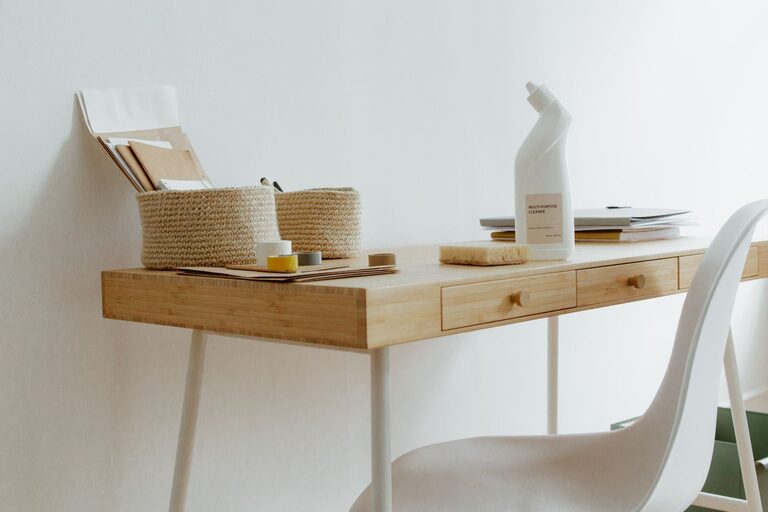
Creating a well-organized, clutter-free home office can significantly increase productivity, reduce stress, and make working from home more enjoyable. Whether you have a dedicated room or just a corner of the living room, simple strategies can help you turn that space into an efficient and inspiring work environment. Here are practical tips to help you organize your home office without feeling overwhelmed.
Why a Clutter-Free Office Matters
A cluttered workspace can distract you, decrease motivation, and make it harder to find important documents or tools. In contrast, an organized office supports focus, creativity, and efficiency. When your space is tidy, you spend less time searching for things and more time getting work done.
Step 1: Assess and Declutter
Sort and Prioritize Items
Start by removing everything from your workspace. Sort items into categories: keep, donate, recycle, or discard. Ask yourself if each item is necessary for your daily tasks or if it simply adds to the mess.
Limit Desk Items
Keep only essential items on your desk—like your computer, a notepad, a pen, and perhaps a personal item that inspires you. Store other supplies in drawers or containers.
Step 2: Create Functional Zones
Dividing your home office into zones can improve workflow and organization.
– Work Zone: Where you concentrate on tasks, typically your desk or table.
– Storage Zone: Shelves, cabinets, or drawers for files, office supplies, and reference books.
– Inspiration Zone: A space for notes, calendars, or motivational quotes that keep you on track.
By designating specific areas, you limit clutter from spreading and make each zone purposeful.
Step 3: Use Smart Storage Solutions
Utilize Vertical Space
Install shelves above your desk or on nearby walls to store books, binders, and decorative items. Vertical storage keeps frequently needed items within reach but off your desk surface.
Desk Organizers and Containers
Use trays, bins, or drawer dividers to separate papers, pens, cables, and other small items. Clear containers allow you to see contents easily.
Filing System
Invest in a filing cabinet or portable file boxes to organize important documents by category or project. Label folders clearly to save time.
Step 4: Establish Daily Habits
End the Day with a Quick Tidy
Spend five minutes at the end of each workday putting things back in their places. This habit prevents clutter buildup and creates a fresh start each morning.
Manage Paperwork Efficiently
Sort incoming mail or paperwork immediately. Decide what needs to be acted on, filed, or discarded to avoid piles developing.
Clear Digital Clutter
Organize digital files with folders and regularly delete unwanted files or emails. A streamlined digital workspace complements your physical setup.
Step 5: Personalize Mindfully
While keeping the space professional and clean, adding personal touches can make your home office more inviting.
– A small plant can boost mood and air quality.
– A framed photo or artwork adds personality.
– Fun stationery or a colorful mousepad can brighten the area without causing mess.
Just keep personal items limited to avoid distractions.
Additional Tips for Maintaining Organization
– Cable Management: Use clips, ties, or covers to keep cords untangled and out of sight.
– Lighting: Good lighting reduces eye strain and improves focus—opt for natural light or adjustable lamps.
– Ergonomics: Use a comfortable chair and position your computer properly to avoid discomfort and increase productivity.
Final Thoughts
Organizing a clutter-free home office doesn’t have to be complicated or expensive. With thoughtful decluttering, functional zones, smart storage, and daily habits, you can create a workspace that supports your best work. Remember, consistency is key—small actions every day can lead to lasting organization and a more enjoyable work-from-home experience.
